End of January this year, I wrote a small plugin for Grav1 that makes it possible to display the currently playing song from Spotify on the website see the blogpost. At that time I used a Node-RED flow from awtrix to retrieve the necessary song information. In the meantime I have found the time to extend the plugin so that this detour is no longer necessary.
Download the Plugin: spotiplay2.zip
Installation
After you have downloaded the plugin, you can install it via the Grav2 admin interface as follows:
- navigate to tools
- select the Direct Install tab
- Upload the zipfile from above
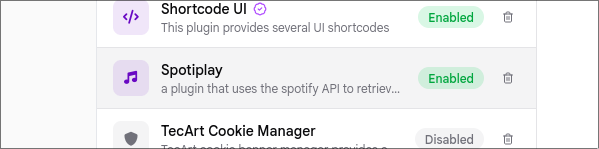
You should now see a plugin called spotiplay in your plugin list.
First Setup
- Select the Spotiplay Plugin and click on the Configure Button
- Enter the Client ID and the Client Secret from your Application (see https://developer.spotify.com/dashboard)
- There is a small helper script in the plugin directory which helps you to create the required refresh token (./config/user/www/plugins/spotiplay/get_refresh_token.sh)
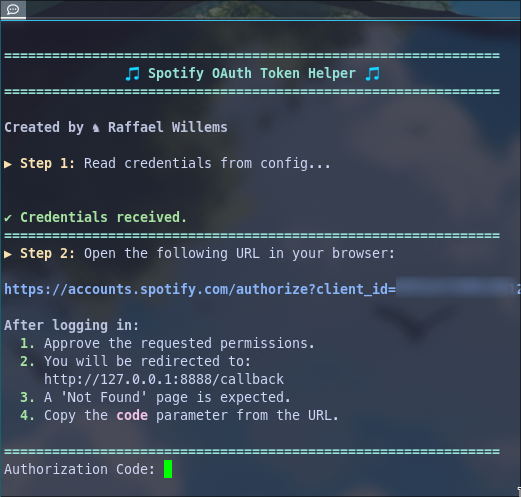
- Insert the refresh token created using the helper script into the configuration of the spotiplay plugin.
Usage
Now you can use the shortcode [spotiplay] provided by the plugin to display the title information of the currently playing song from Spotify
